- Koala Bites
- Posts
- Using the new Video Gestures for macOS Sonoma 14.1
Using the new Video Gestures for macOS Sonoma 14.1
Online Teaching Tools

David Skaife
January 24, 2024 • Estimated Reading Time: 3 minutes
macOS 🍎💻✌️
Using the new Video Gestures for macOS Sonoma 14.1

A somewhat recent update for macOS changed how the camera works and most virtual camera apps will no longer work, until they comply with Apple’s new rules.
Apple did publish a workaround for this issue and here is a link to that page. Reports of success are varied on using this fix. I decided to pass on it as I had already made the transition and was happy with the new features and my new real video background.
At the time I was somewhat bummed out, as I had spent a couple hours setting up a virtual camera that was a hack of an app that had been shutdown.
With no new hack on the horizon, I resigned myself to doing without. Then I decided to give the gestures that were added in that update a try. This forced me to finally rearrange my office layout so I didn’t need a virtual background. I only had to turn my desk 90 degrees and slide it in front of the window and then move every single item I have in that room, then move all the lights and fiddle with them until I was happy. I had been avoiding doing this for some reason…🤣
Now I’m much happier with the freedom to go without a virtual background. The reason this is important is that the new gestures will not work if you are running a virtual background.
The gestures are quite seamless to use with no buttons to push and students certainly notice them.
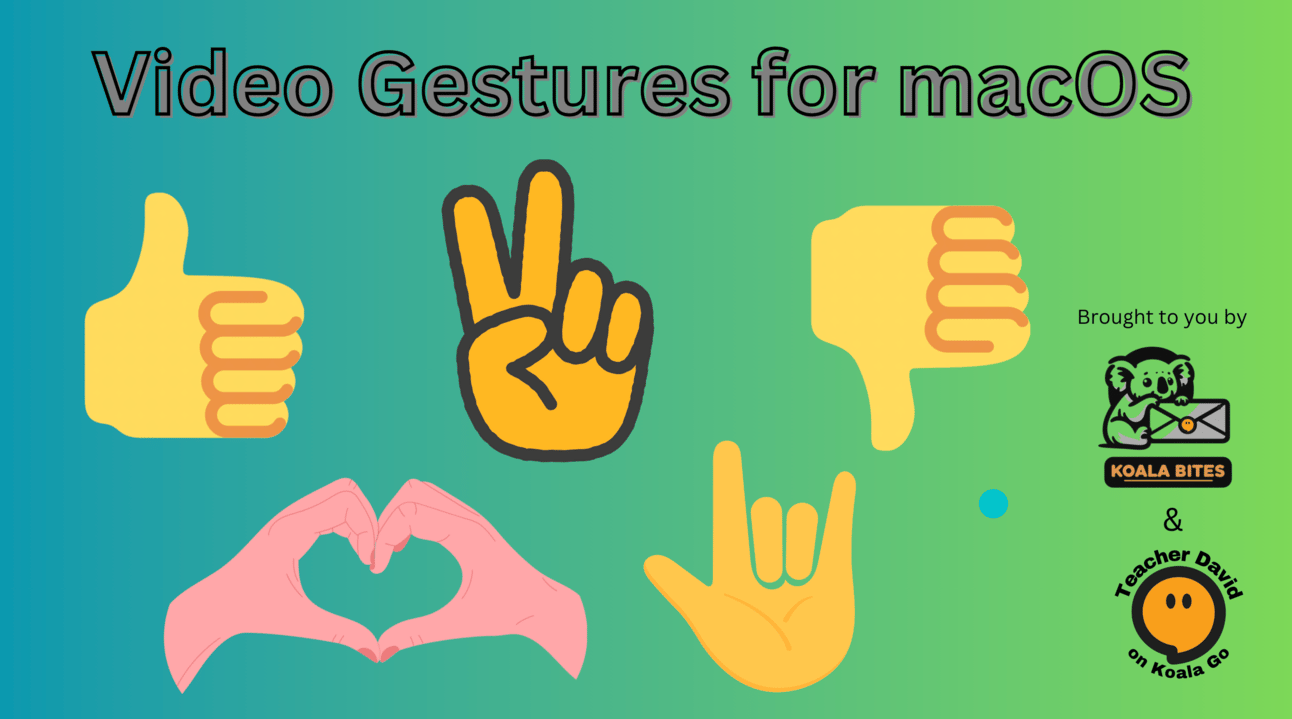
Thumbs up 👍🏻(thumbs up)
Thumbs down👎🏻 (thumbs down)
Double thumbs down👎🏻👎🏻 (storm)
Double thumbs up 👍🏻👍🏻(fireworks)
Peace sign ✌️(balloons)
Double peace sign✌️✌️ (confetti)
Double bull horns🤘🏻🤘🏻 (laser show)
Heart 🫶🏻(hearts).
Along with the gestures you also get a Studio light effect which dims the background and illuminates your face , and Portrait mode for slightly blurring the background. I use both of these, they are subtle but effective. The last item in that menu is Voice isolation for your microphone, which I also use, it seems to work well.
There are other cool features as well, presenter mode, using your phone as a desk cam, and some others that I won’t go into at this time. Unfortunately Koala Go does not currently support all these extra features and so I didn’t spend very much time exploring them.
Here is my short presentation showing the gestures in use.
Reply