- Koala Bites
- Posts
- The Canva Universal Graphical Link Manager?
The Canva Universal Graphical Link Manager?
Canva-An easy to build and edit link manager for your online classes.

David Skaife
February 06, 2024 • Estimated Reading Time: 3 minutes
Canva
🤷🏽♂️The Canva Universal Graphical Link Manager?
One of the hurdles to teaching online is the management of all your bookmarks and open tabs. I know there are several ways built into the various browsers or platforms we might be using. In the past I have tried many different ways but here is what I do now.
I am a big fan of Canva, it’s relatively easy to use and super powerful, plus they add new features all the time. Although you might not think it, one of the most powerful tools they have is the presentation. Most will think, ‘oh, yeah, for making slideshows for meetings…’. , but that is only the tip of the iceberg.
Making a presentation is pretty painless, and you can jazz it up as much as you like, or not, then with only a few clicks you can make it into a free, password protected website hosted by Canva, or just leave it as a presentation that you can easily share (that’s how many of my articles are done).
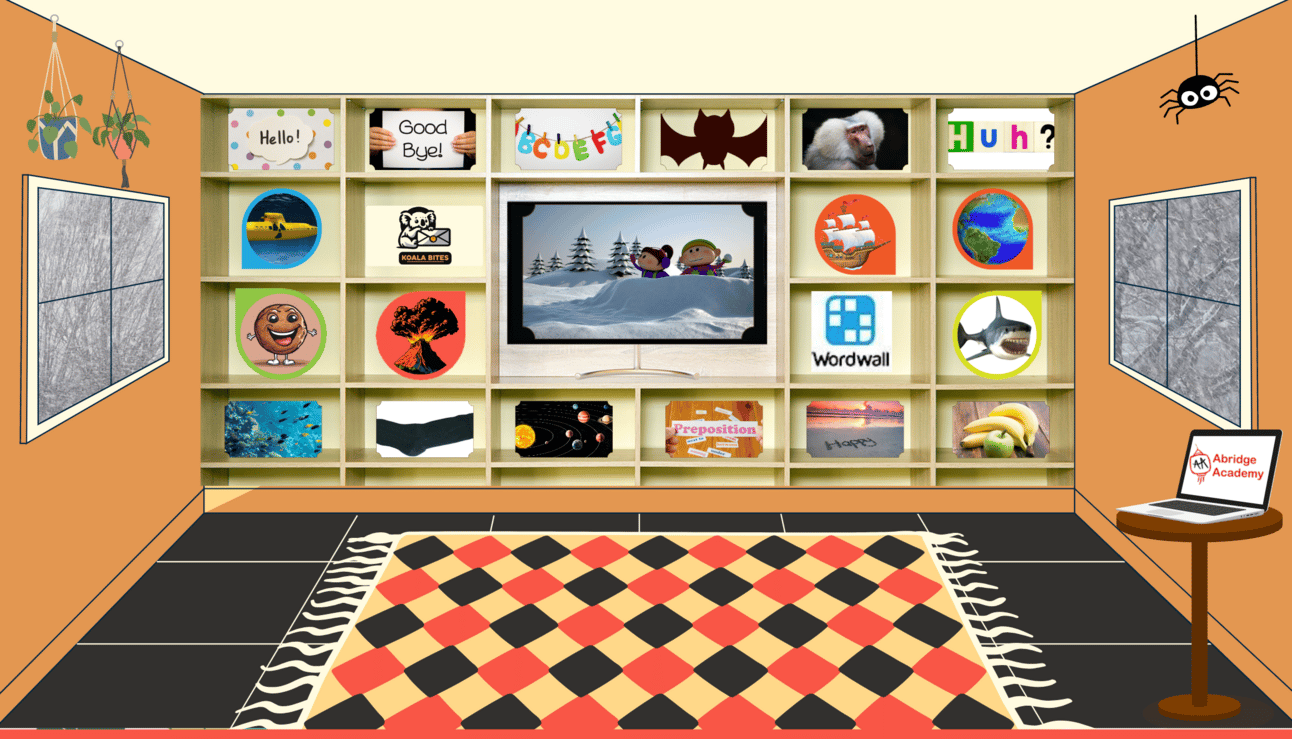
I decided to make a virtual classroom that would hold all my links and videos in a user friendly and easy to edit way. Now I just have to use one link and I’m all set, no matter what browser or platform I am on.
I just got finished updating it a little while ago as I like to shuffle the songs out periodically, and I wanted to refresh the look with new colors.
Here is a generic version that you can try out or even use in your classes if you like. Don’t forget to check out the spider hanging from the ceiling, he has a surprise for you... The password is : 909004
Click the presentation below to see how it’s done, so you can build yourself a custom one.
Reply