- Koala Bites
- Posts
- Mixing Canva and the Koala Go Playground to make movies
Mixing Canva and the Koala Go Playground to make movies
Teaching Tools

David Skaife
November 18, 2024 • Estimated Reading Time: 4 minutes

Teaching Tools
👩🏻🏫🛠️Mixing Canva and the Koala Go Playground to make movies
In the past I played several open world, multi-player type video games where you could create characters, build things and explore, it was and still is my favorite style of gaming. After these games have been out for awhile some creative souls eventually start to make movies within the game. This creativity always impressed me and I wanted to do the same thing, but I didn’t have any good ideas or the expertise to pull it off.
Fast forward to today, things have changed, this used to be a lot more difficult to do as the tools to do this were not readily available or user friendly, but nowadays, we pretty much all have access to advanced video production tools even on our phones.
My Ship’s Bridge set with added Canva video elements
My favorite tool for videos is actually not often thought of as a video editor, it’s Canva. With Canva you can combine almost any type of content into a video format (or a presentation or a website).
Now you could just build your backgrounds, characters and objects entirely in Canva using their vast Elements library. However, I find it difficult to build consistent, good looking 3D environments and many times the styles of the elements just don’t match leaving things looking a little flat.
This is where Playground comes in to make things easier. I can create 3D movie sets (still images, video backdrops,POV shots, etc), I can create characters by editing avatars, and there is a decent sized (and growing) library of gem items to use in the scenes.
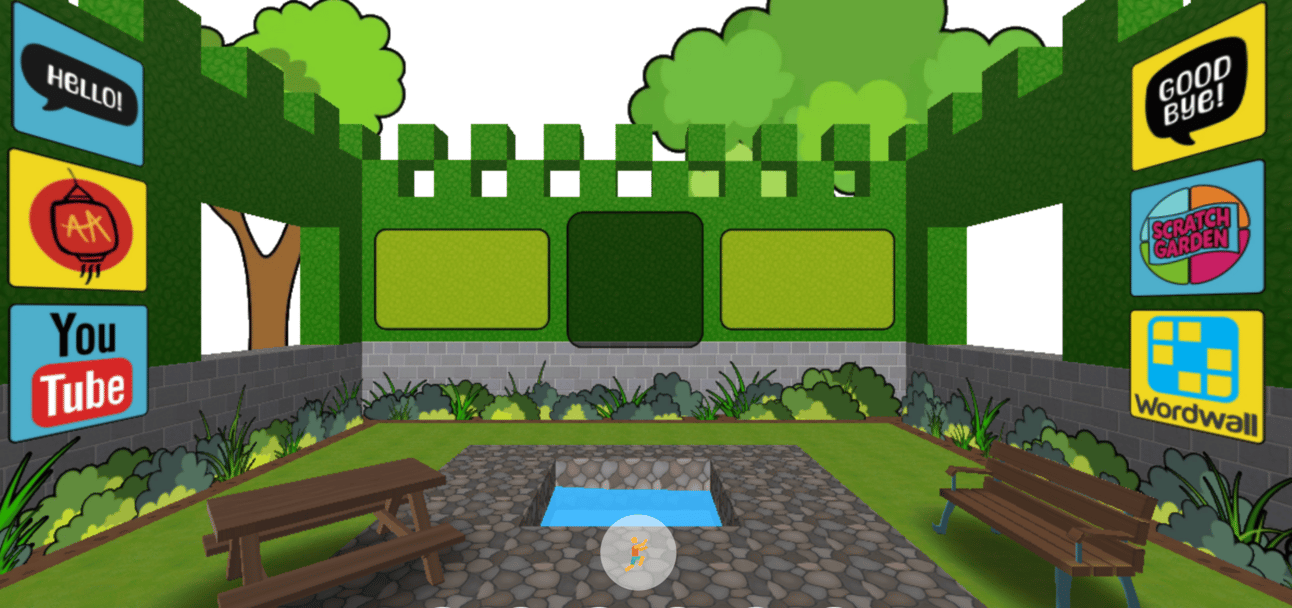
This is a set for my next generation of a Canva classroom to use in the Co-browser
With Canva’s AI powered tools to remove the background from images or even video you can combine many pieces of video, images, audio and animations together to form one scene or presentation slide. You can then create another scene or slide, connect them together with transitions like wipe or disolve and keep going until your movie is finished. At this point you download the presentation as an mp4 video. If you don’t like it, and you probably won’t with the first few tries, just do some editing and try again.
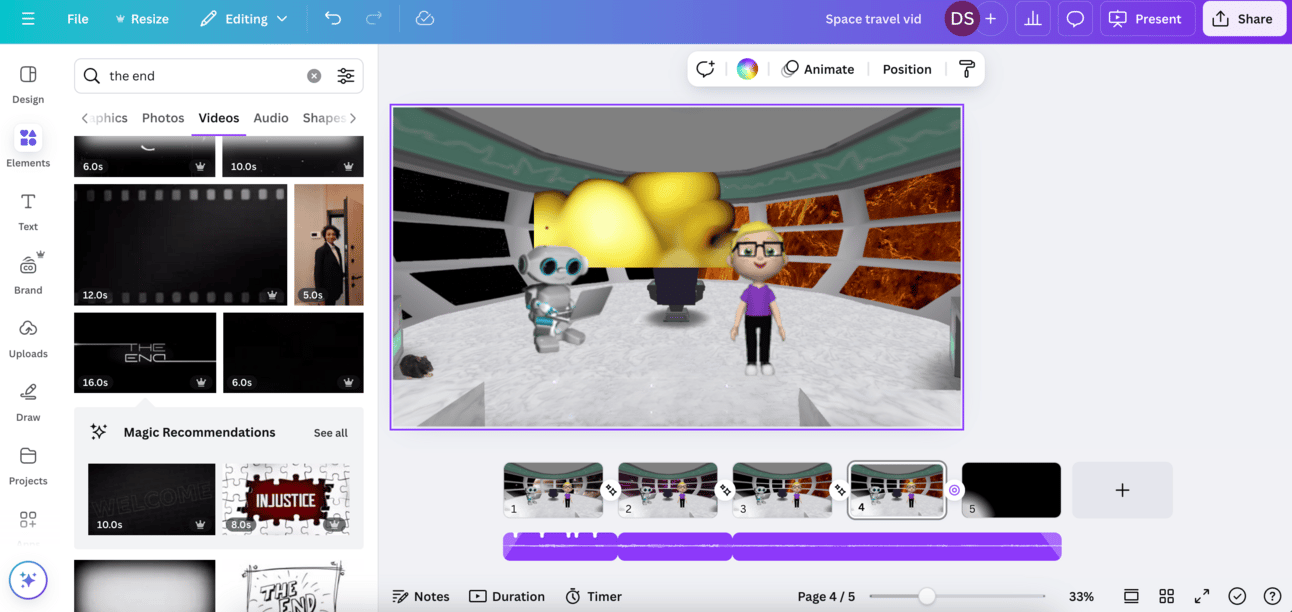
Linking together slides with transitions and music
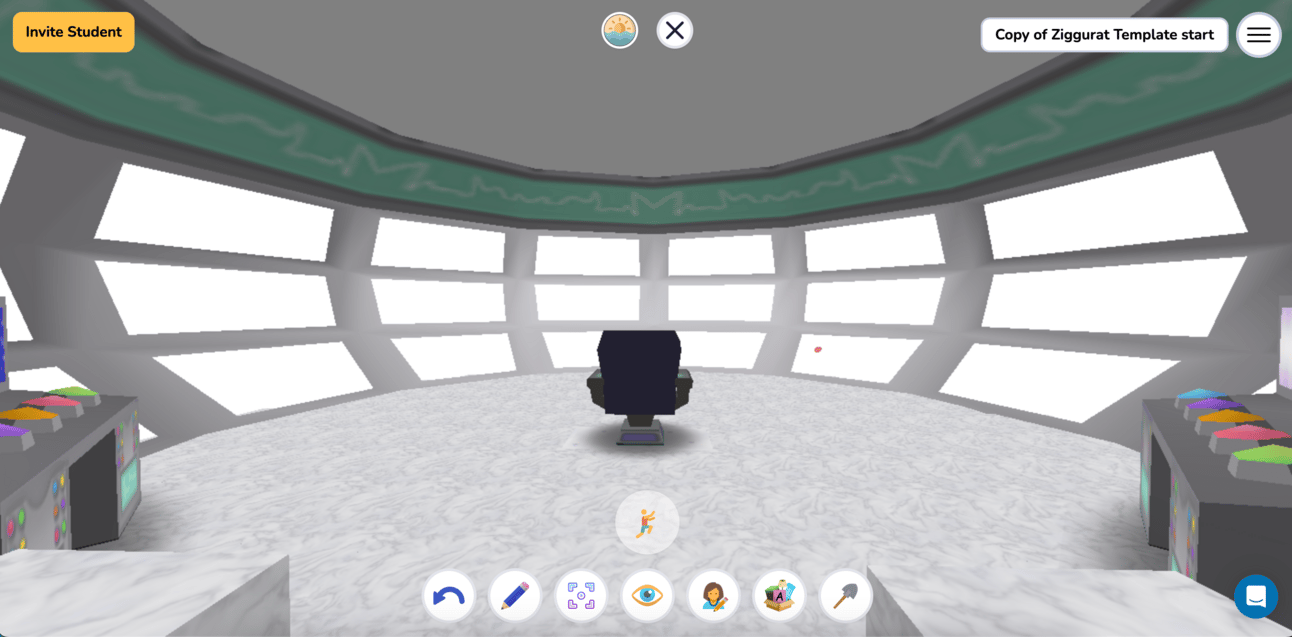
White Sticky Notes to aid in background removal
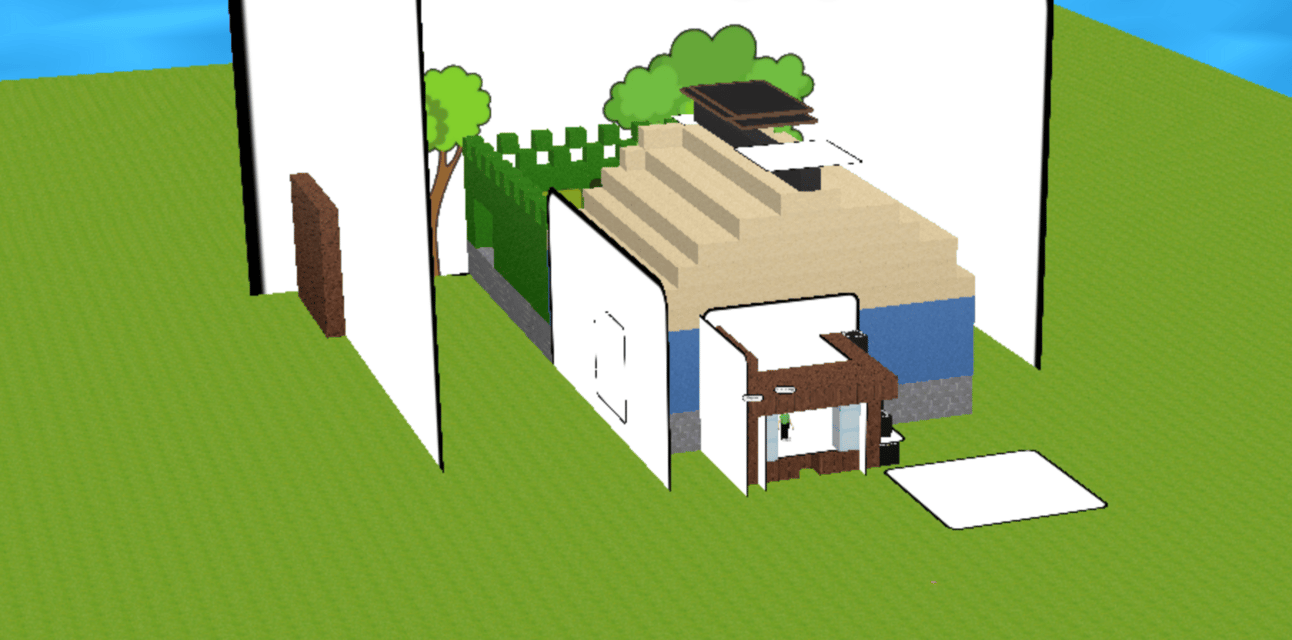
Overhead view of a movie set

Booth for recording avatar video
Naturally there is a steep learning curve, but eventually you will get the hang of it. The only real limitation is your imagination.
Reply