- Koala Bites
- Posts
- Issue 32
Issue 32
Tuesday Edition

David Skaife
August 06, 2024 • Estimated Reading Time: 11 minutes
In this issue
😑📘Koala Teachers Family recap
Another relatively slow week in the Facebook group
Xavier made a short video about how to use Calendly as a free way to schedule your Koala Go classes I use the free version of Calendly to schedule meetings.
An interesting video by Uncle Fred of an idea for AI usage in Koala Go, is it something you would find useful? comment on the post.
Repost of an Escher inspired Playground, very unique and worth a look.
Canva
📋🪄Canva Presentation View and Magic Shortcuts
I was invited to watch a webinar by Canva, so I figured I should have a look, since I often learn something cool and new.
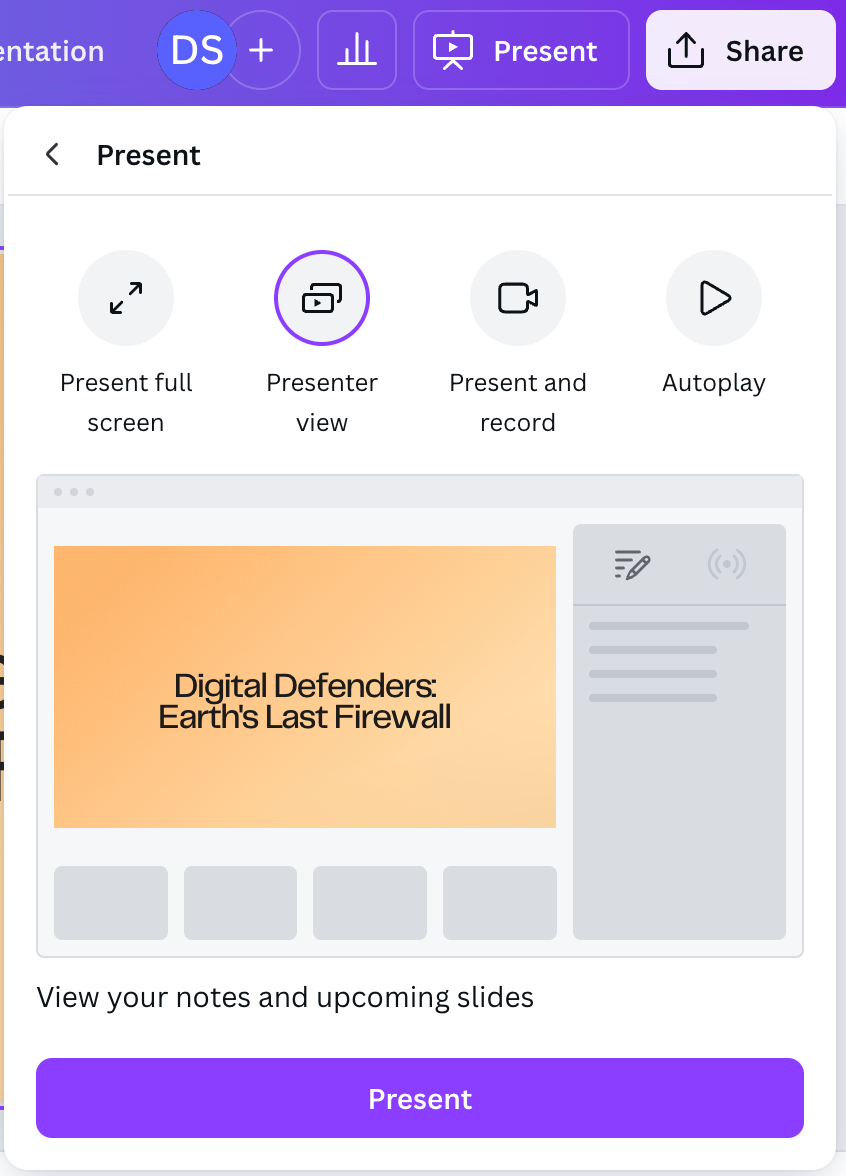
Presenter view
During the webinar, the majority of the material I already knew, then they started talking about Presenter view, I really never thought about presenting from within Canva using screen-sharing, seems like an extra step, but actually they made it look pretty cool and worth doing.
So first they talked about the special mode of presenting almost exactly like PowerPoint with speaker notes, slide previews and that sort of thing, and this isn’t exactly new but I never noticed it before. Usually I just made a public link (like I often share in this newsletter) and screen-share that in other classrooms, with Koala Go I usually view it in the Co-browser for interactivity.

Drumroll
When you use Presenter view, you have access to Magic Shortcuts, these are animations that play on top of your presentation by pressing a key on your keyboard. So far we have:
B - Blur
C - Confetti
D - Drumroll
M - Mike drop
O - Bubbles
1 to 9 - timer in minutes, adjustable, with or without music.
Nothing mind blowing, they just allow you to add some cool, professional level touches to your presenting.

Timer
I have started using this new method in class and I’m still getting used to it, but here is how to get started.
I usually use the Canva app, but for this you will need to sign in on the web version using Chrome so that the sound is easily shared. Next you select the presentation you want to share, and select Presenter view. This will open a separate window for you to control things from, the original tab is the one you want to share. It is a bit of juggling, but I’m sure I will get used to it.

Confetti
The Canva development team never sleeps.
AI Tools
🌹🤖Rosebud AI
Is this the future of programming?
I don’t know, but I do know I’m excited about it! The following article is just an intro, expect more in depth coverage in future issues. Watch the video below to see if it is something you might be interested in.

This AI game writing system came to my attention a couple weeks ago, they just did a series of 5 webinars to get people up-to-speed and creating their own games. I was not even finished with the first hour of webinar and managed to have AI help me (I just provided the ideas) create the newest version of Popcorn the Storyteller. I’m impressed with what could be possible with this system.
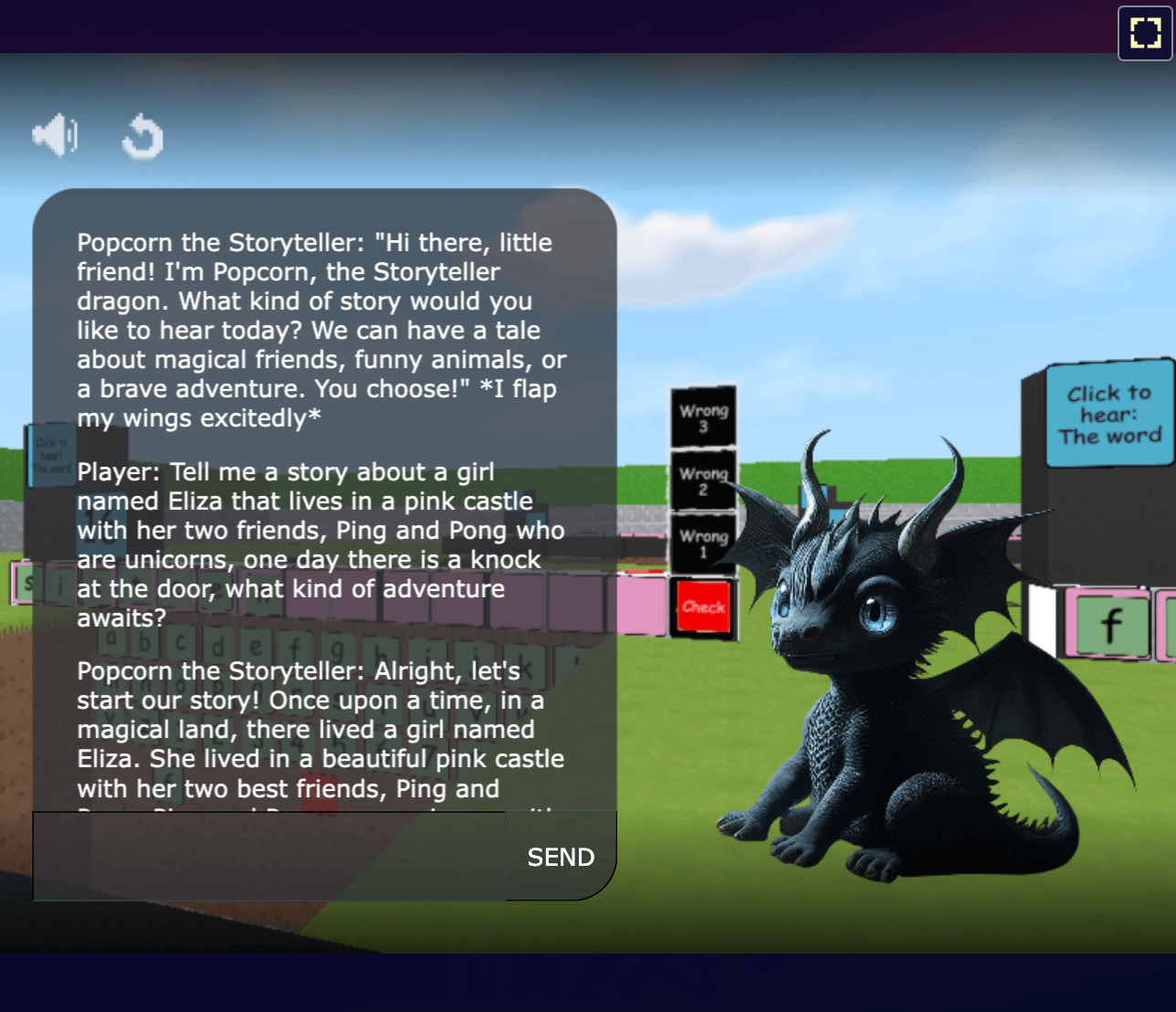
Basically you start with some basic templates or a game from their library. You then ask Rosie (the AI) in plain English to make changes to it. I uploaded some images of Popcorn and Playground and asked Rosie to replace the default images with the ones I uploaded by providing the links. Then I asked Rosie to move the image of Popcorn down 50 pixels and to the left 25 pixels and to reduce the size of Popcorn by 20%. After a couple tries it was looking pretty good, and I moved on to changing the other details of the chatbot personality. All using plain language.
Sometimes Rosie thinks for a long time, so I go work in other windows until I hear the ding sound that signals she is done.
There are several other styles of games you could make or modify including more arcade like experiences, map exploration, 2D side scrollers, even one that looks like Minecraft. Below are some random samples.
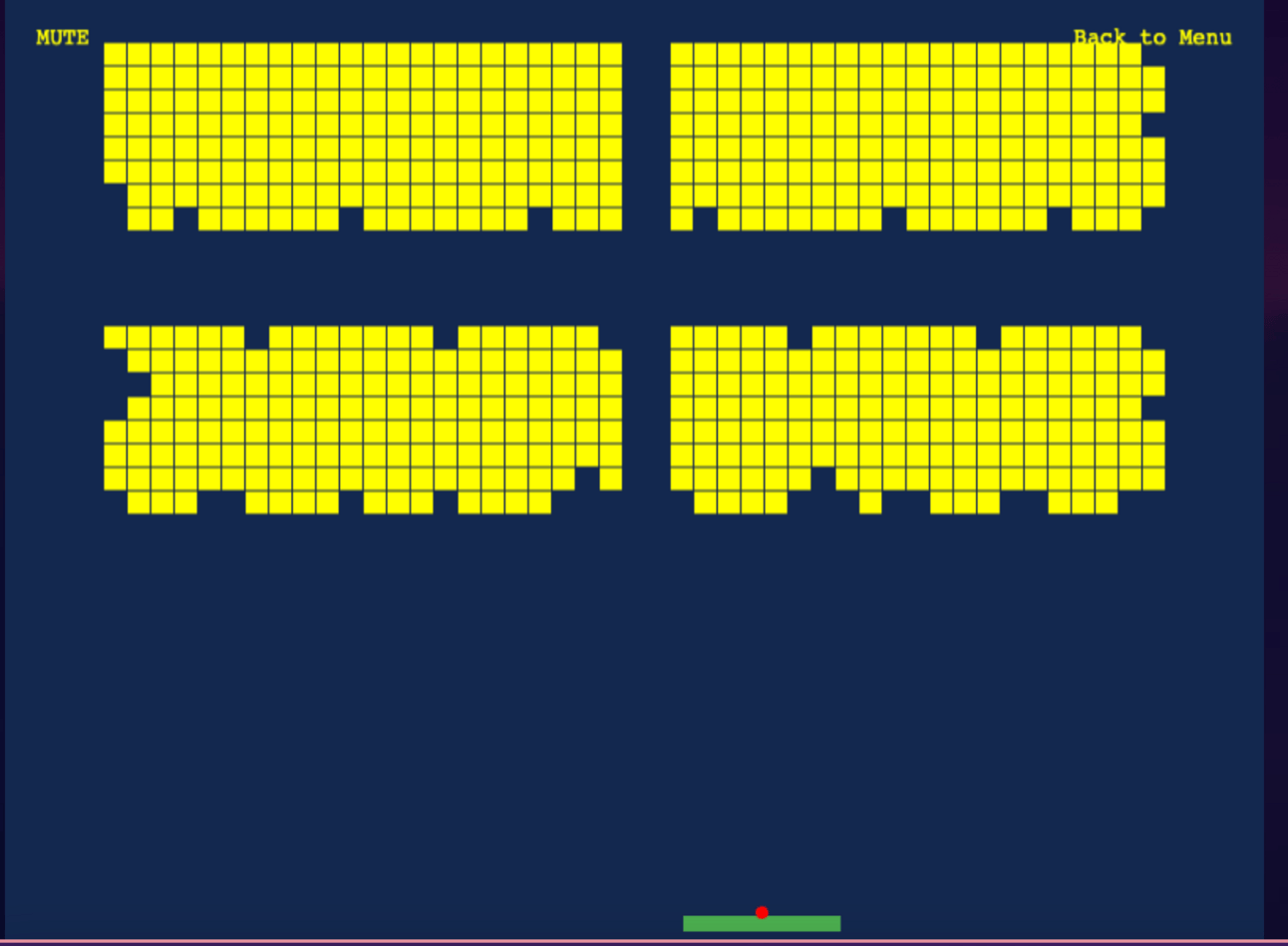

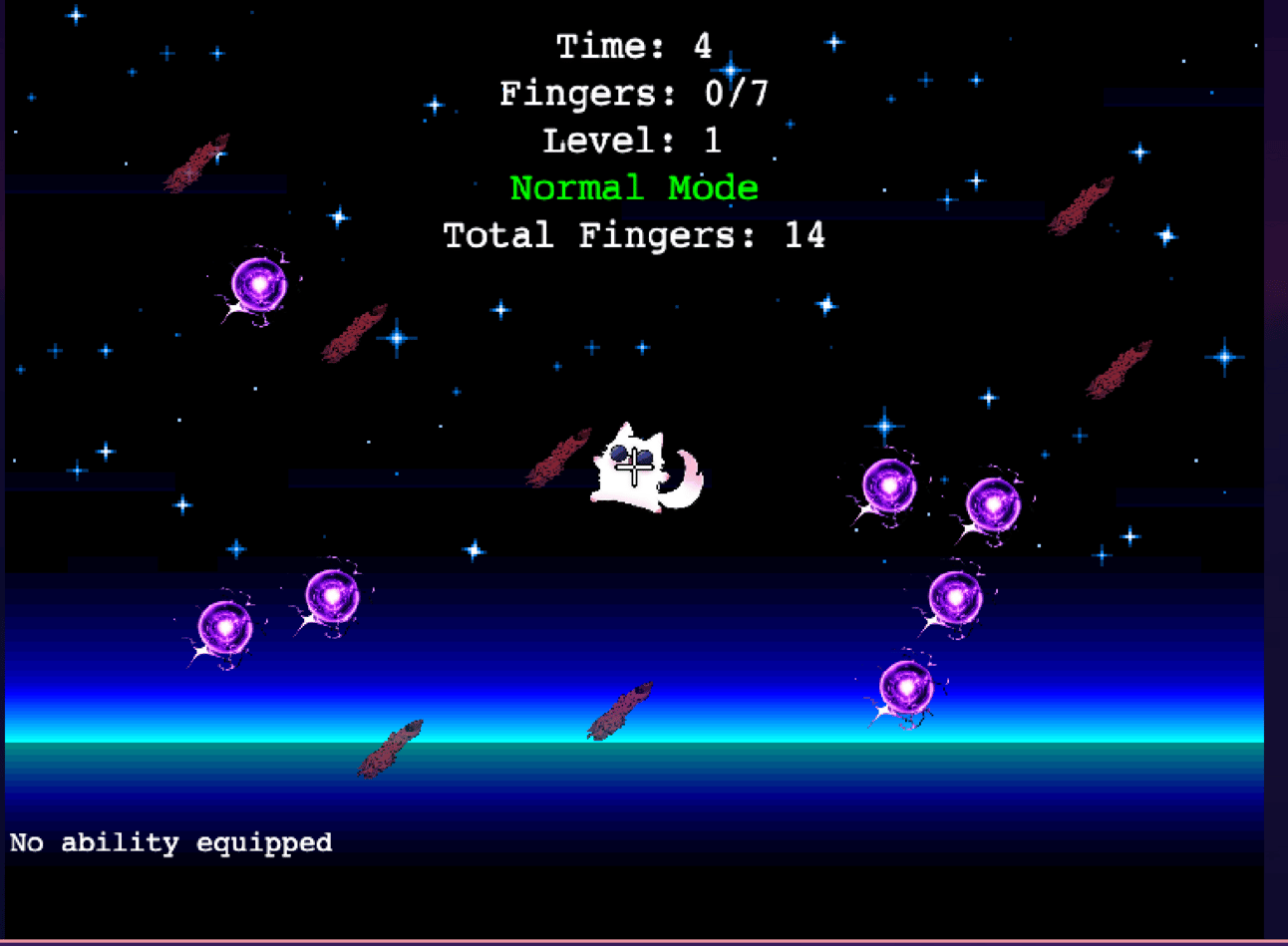

My mind is still spinning with the possibilities.There is so much more that I haven’t shown here.

Editorial
✍️🃏Editorial: A funny thing happened on the way to speaking practice
At the end of all my adult classes we do a mock IELTS part 2 speaking test, it’s basically a short speaking presentation, the student has a short time to make some notes and tries to speak for around 2 minutes on the topic.
Now that the stage is set, I was having my second class with a middle aged male student. This was the first mock test we were going to do. So I explained the process, gave some hints and then gave the student 2 minutes to prepare notes to speak from.

"The Presentation That Wasn't"
He started strong, this was our first test and I didn’t know what to expect. Then he sort of lost his way, then had a strong sentence, then lost it again. In the end, it was a very inconsistent presentation. At one point the student was quoting something his mother told him, but I didn’t understand it at all. After he finished I asked him about what his mother had told him and he said he didn’t remember…odd.

"When ChatGPT Takes Over Your Presentation"
As I asked more questions we eventually came to the punchline, “Did you use ChatGPT?”.
To the student’s credit he fessed up and we had a good laugh. Now we have a recurring joke about something that ChatGPT’s mother told me.

"ChatGPT’s Mother's Advice"
The student was so worried about making a good impression that he used his 2 minutes to have AI write a story for him on the topic. He’s much more comfortable in class now, and does his own notes nowdays😁.

"The mouse who conquered his fear of public speaking."
Links
🧐⛓️💥Interesting Links
These are links that I found interesting but haven’t written about, there is simply too much happening these days.
Enjoy!!
⬇️⬇️ User Submissions ⬇️⬇️
Playground
💧👩🏻🏫Seeking content for Dunk The Teacher and Escape the planet
Do you like the concept behind these games but they don’t have the right content for you? Send me an email about it.
My original plan was to offer many different versions with the content that teachers like yourself wanted (each version at $3), but since I cannot read minds I need you to tell me what you need. 😆
Submissions
🙋🏽♂️🤷🏻♀️How do I submit my Playground to be featured in Koala Bites?
If you have a Playground you would like to have in this newsletter, or for that matter, anything the readers might find useful. Just click that button that says “Submissions”. That will open an email for you to describe what you would like to submit.
I like to schedule a time where I can come to your classroom and tour the Playground. Then I will do a short write-up. There is no cost for this.
Reply