- Koala Bites
- Posts
- Issue 1
Issue 1
David Skaife
January 22, 2024 • Estimated Reading Time: 10 minutes

Welcome to the Koala Bites Newsletter
Online Tutor Topics Especially Koala Go
This newsletter is intended to be a collection point for information, tips and tricks, rants and raves, hopes and dreams and maybe even some news.
I will attempt to publish weekly depending on content and time available.
These tools are still new to me so expect to see changes in how things look and work.
⭐️⭐️In this issue⭐️⭐️
Quickly create interactive games and homework using Wordwall
Dunk The Teacher is on Koala Marketplace
Reading Coach by Microsoft an AI reading coach you need to see.
Using the new Video Gestures for macOS Sonoma 14.1
Wordwall 🧩👾🕹️
Quickly create interactive games and homework using Wordwall

Like many of you, my budget for teaching tools is super tight. Wordwall is one of the very few subscriptions I have.
The main reason it makes the cut is how much use I get out of it.
Almost always there are a few extra minutes at the end of class, Wordwall games are one of the choices that I use to productively fill that time.
Another reason I like Wordwall is the ability to easily gamify homework. Currently I am working on a platform and the homework I am required to send out after class is, to put it as politely as possible, uninspiring. No wonder the kids don’t do it.

uninspiring

Cool!!
If you were an overworked student, which homework would you want to do? Yeah, I thought so.
I made a short presentation on how I quickly make and change games using Wordwall and how to send them as homework.

Try an example of a homework game, this one is Balloon pop. It follows a vocabulary lesson on different types of art.

A few more clicks and here it is as a word search

If enough people complete their homework I will post the leaderboard in a future issue🤣…
If you have any feedback or helpful Wordwall tips to share send me an email.
Koala Marketplace 💦🐨📚
Dunk The Teacher

I already launched this playground last month, but I think the post was lost to the holidays. So now you get another chance at it. 🤣
Dunk The Teacher was designed as an after-class reward activity. I set it up as a traditional style spelling bee, and to be easy to modify and re-use.
The idea is simple, student and teacher stand on trap-doors. If the student spells the word correctly then the teacher goes for a swim, if the student doesn’t get the word correct after 3 tries (the number of tries could be more or less, up to you) they go for a swim.
This playground has 9 spelling words. Each word has an audio sticky note for:
The word.
A definition of the word.
The word used in a sentence.
Spelling words in this version:
balloon, castle, octopus, igloo, hippopotamus, geography, astronomy, language, physics
In the original post I offered the early buyers an opportunity to give me 9 words of their choice to put in this template and list on the marketplace for this same price of $3. So far, no takers, but maybe the holidays were the issue.
What do you think? Would this kind of service be of value to you?
AI in education 🤖💻📙
Reading Coach by Microsoft
Stop the presses!!!
This link just dropped into my inbox a few hours ago.
It’s a perfect example of how, (I believe) AI will not replace you (not yet), but somebody using AI will.
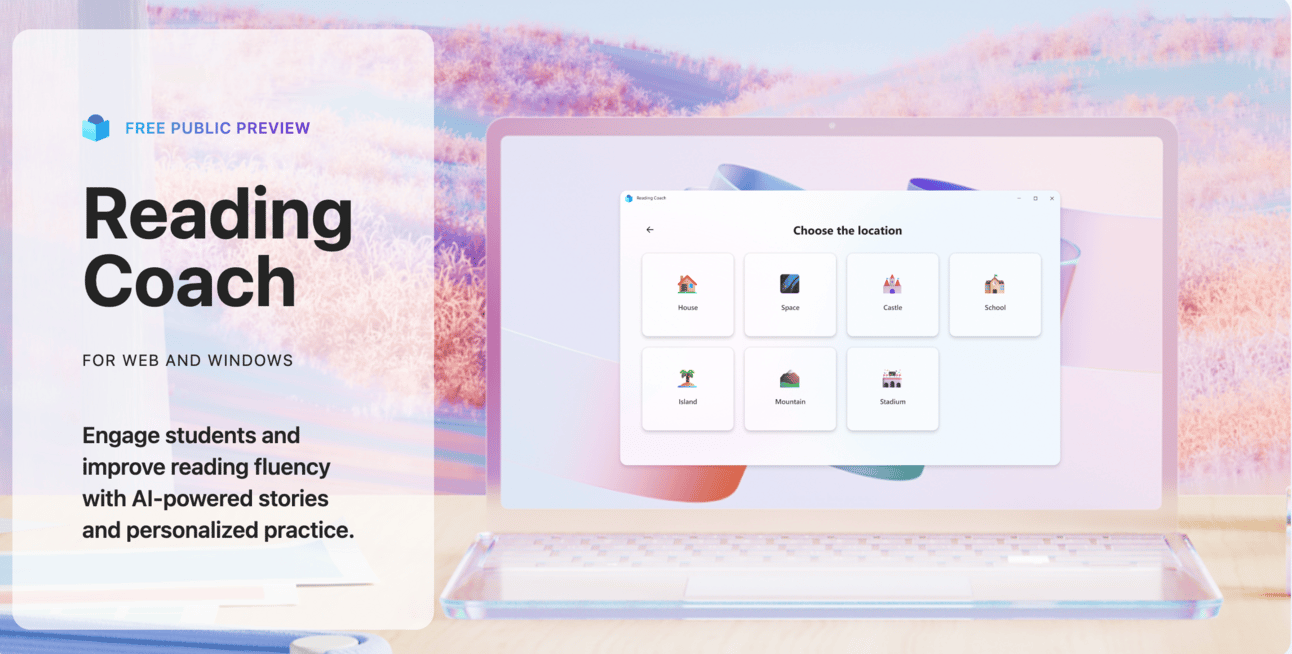
Reading Coach by Microsoft
For those of us that have been around Koala Go for a while, you may remember when the programming team took a week to explore one of their pet projects. It was an AI story writer they called Storytime. I loved it, and it sent me spiraling down the AI rabbit hole where I continue to reside. The Koala team went back to work on Go but many other companies had similar ideas and keep developing better and better versions of that concept.
Fast forward to today, Microsoft released something called Reading Coach, It’s the coolest Free tool (at least for now) I’ve seen this week. I spent about an hour messing with it and I’m impressed.
The computer voice was better than average.
Voice recognition was top notch.
It was easy to change to different reading levels.
The ability to label the grammar in the reading is very easy as well as breaking down syllables.
There were many story options to choose from to produce limitless one-off stories.
In my opinion, If you want to be working in 5 years I would recommend you start to leverage AI and try to future-proof yourself.
Here’s a Canva presentation of my quick first look at Reading Coach.

To try it for yourself you will need a Microsoft account, luckily I had one set-up so I could use Skype for work.
macOS 🍎💻✌️
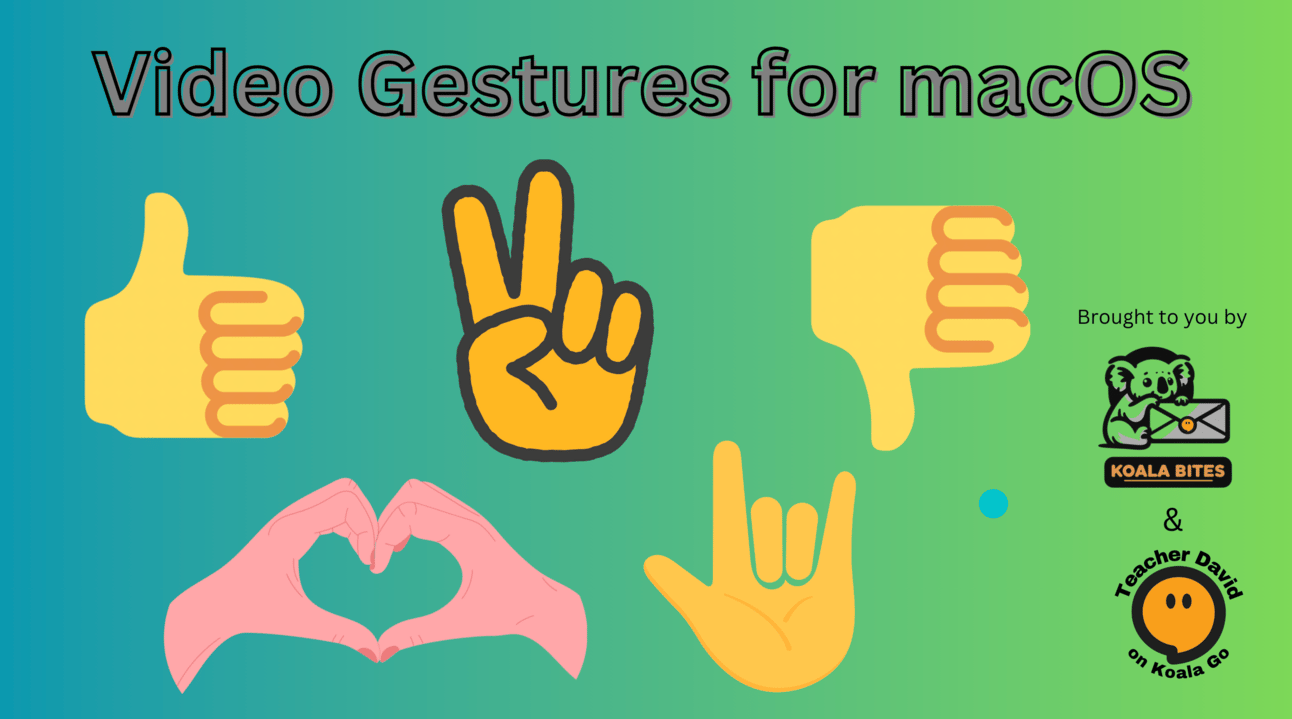
Using the new Video Gestures for macOS Sonoma 14.1

A somewhat recent update for macOS changed how the camera works and most virtual camera apps will no longer work, until they comply with Apple’s new rules.
Apple did publish a workaround for this issue and here is a link to that page. Reports of success are varied on using this fix. I decided to pass on it as I had already made the transition and was happy with the new features and my new real video background.
At the time I was somewhat bummed out, as I had spent a couple hours setting up a virtual camera that was a hack of an app that had been shutdown.
With no new hack on the horizon, I resigned myself to doing without. Then I decided to give the gestures that were added in that update a try. This forced me to finally rearrange my office layout so I didn’t need a virtual background. I only had to turn my desk 90 degrees and slide it in front of the window and then move every single item I have in that room, then move all the lights and fiddle with them until I was happy. I had been avoiding doing this for some reason…🤣
Now I’m much happier with the freedom to go without a virtual background. The reason this is important is that the new gestures will not work if you are running a virtual background.
The gestures are quite seamless to use with no buttons to push and students certainly notice them.
Thumbs up 👍🏻(thumbs up)
Thumbs down👎🏻 (thumbs down)
Double thumbs down👎🏻👎🏻 (storm)
Double thumbs up 👍🏻👍🏻(fireworks)
Peace sign ✌️(balloons)
Double peace sign✌️✌️ (confetti)
Double bull horns🤘🏻🤘🏻 (laser show)
Heart 🫶🏻(hearts).
Along with the gestures you also get a Studio light effect which dims the background and illuminates your face , and Portrait mode for slightly blurring the background. I use both of these, they are subtle but effective. The last item in that menu is Voice isolation for your microphone, which I also use, it seems to work well.
There are other cool features as well, presenter mode, using your phone as a desk cam, and some others that I won’t go into at this time. Unfortunately Koala Go does not currently support all these extra features and so I didn’t spend very much time exploring them.
Here is my short presentation showing the gestures in use.
Submissions 🎁👽👍🏻
Submissions
If you have an article or how-to video or playground launch you would like to share in this newsletter, click the button and send me an email to discuss it.
Reply