- Koala Bites
- Posts
- Digiscreen, one of the many free education tools from La Digitale
Digiscreen, one of the many free education tools from La Digitale
Teaching Tools

David Skaife
February 10, 2025 • Estimated Reading Time: 5 minutes

Teaching Tools
👩🏻🏫🛠️Digiscreen, one of the many free education tools from La Digitale
Another one of the free tools from La Digitale . There are so many tools here for education that it will take you a few hours to look through them all. I currently use Digitranscode several times a day, it very quickly takes a webm file from a screen recorder and converts it to an mp3 (audio only file), this I then feed into an AI to transcribe it so I can use it in class. Last week I was looking through some of the other tools and noticed Digiscreen.
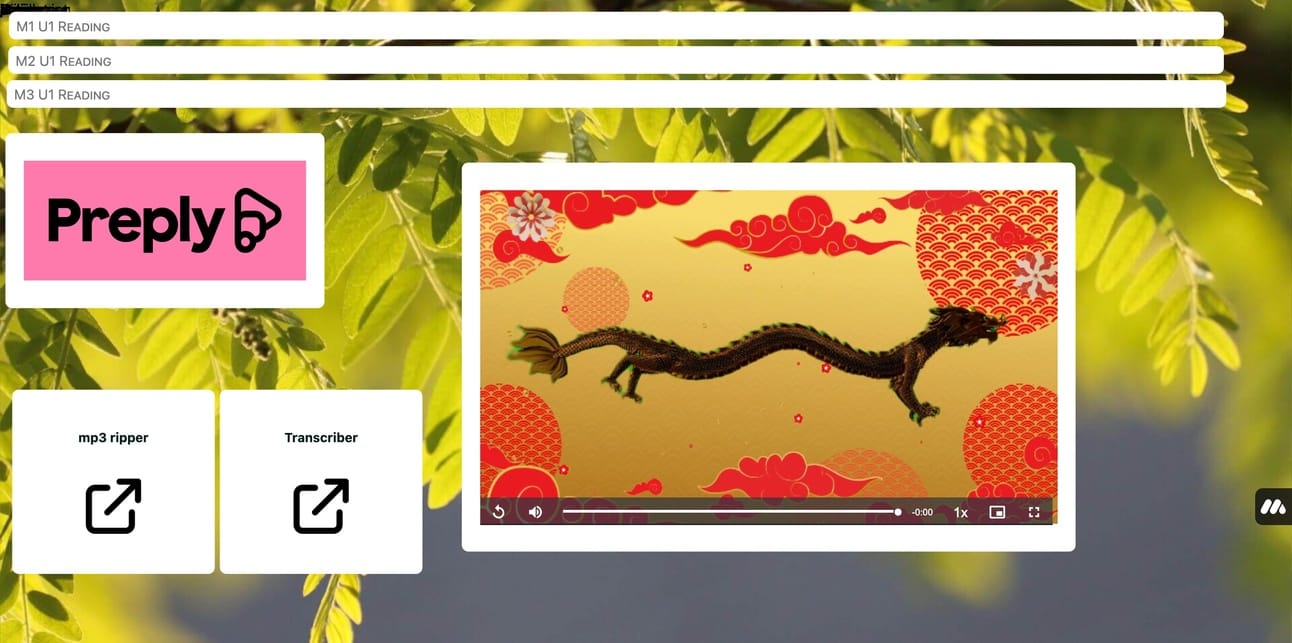
some examples of links, videos, PDFs all organized and ready to go
Digiscreen is a sort of classroom organizer/whiteboard combination, it’s made to use in an online classroom or even a real classroom via TV screen. There are way too many tools and functions to list here but I will tell you it pretty much allows you to present any type of content with tons of useful little widgets and tools to make life easier. Like timers, spinners, images, slideshows, links, embeded content, videos, Youtube videos, HTML files…the list goes on and on.
You can minimize the windows when not using them to clean your screen of extra distractions and/or you can easily move them to another page with the click of a button. If you accidentally delete something you can click on the trashcan and recover it. You can lock the screen to avoid those accidents, and you can collapse the toolbar when you don’t need it.
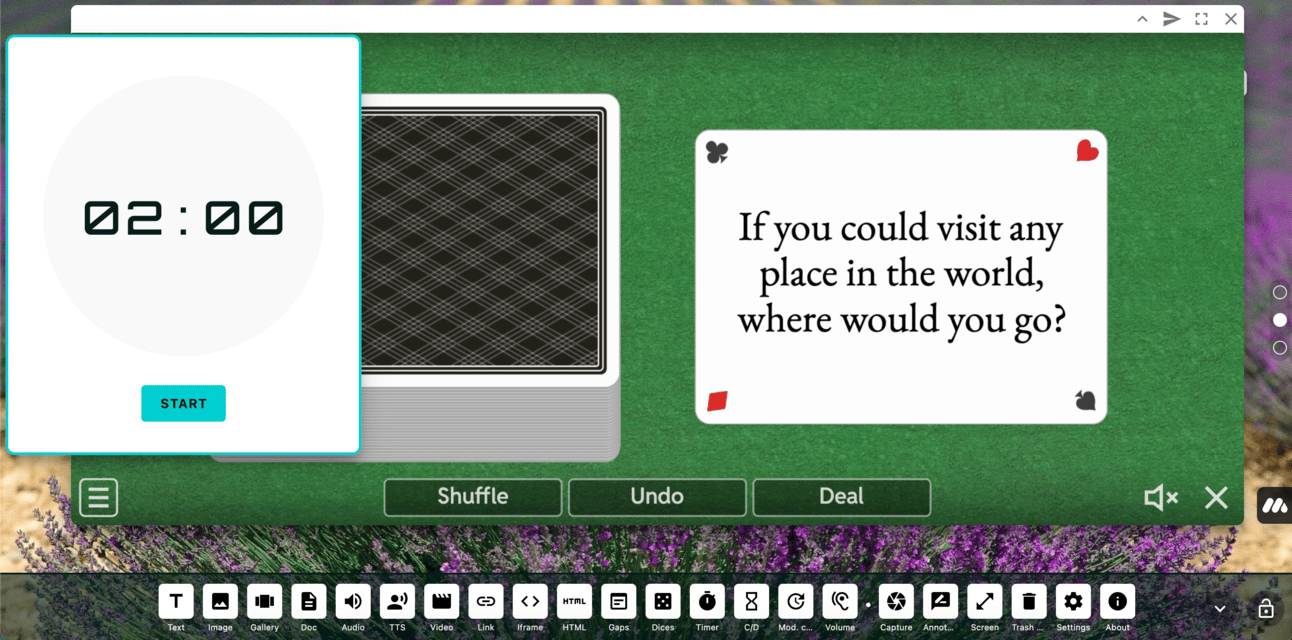
My presentation recording page, embeded Wordwall game and inbuilt timer
It was so cool looking in fact that I decided to try it out for my adult classes since no screen interactivity takes place in my adult classes. Here are a few of the reasons why I decided to give it a trial:
I could close a bunch of Chrome tabs I have open during class. Digiscreen can keep those all organized for me.
There’s an easy to use timer visible on the screen vs the button clicking gymnastics I was doing before.
The audio player is less clunky and I can FF, rewind, etc.
The PDF files are easy to annotate while using them and can later be downloaded.
I’m not stuck with the Comic Sans font, it’s a good font but not what I would choose for working with adults.
Easy to use with any platform that allows screen sharing.
Looks awesome, you can change the background easily to any of the pre-made ones or make your own.
Everything is stored on my device so it loads super fast with no hiccups.

PDF annotation tools, very handy
The experimental trials went well and I am now converting all my adult students to the new classroom one-by-one as they schedule classes.

Some of the settings to customize

Some of the tools you can toggle on and off in the toolbar
I’m still messing around with the different pages, organizing the layouts and finding cool new things to try. I didn’t even mention the text-to-speech tool, the dice tool, the clock, calendar…you get the idea. Hard to believe this is all free.
Reply