- Koala Bites
- Posts
- AutoDraw and Quick, Draw! by Google
AutoDraw and Quick, Draw! by Google
AI Teaching Tools

David Skaife
February 24, 2025 • Estimated Reading Time: 5 minutes

AI Teaching Tools
🤖🛠️AutoDraw and Quick, Draw! by Google
Google has been going nuts with all the AI work they have been doing and apps they have been releasing, several are just proof of concept designs, I think these 2 fit into that category.
I’ll start with Quickdraw. This is a fun one that I have been using for a few minutes at the end of class just for giggles. It’s sort of Pictionary type of game where you try to quickly draw (20 seconds) a random image that the AI will try and guess (the AI is actually pretty good at this game). Warning: The students laugh through the whole game and it is addictive. The app’s audio guesses crack me up, “grass, microwave, Great Wall of China, oh, I know, it’s oven.”
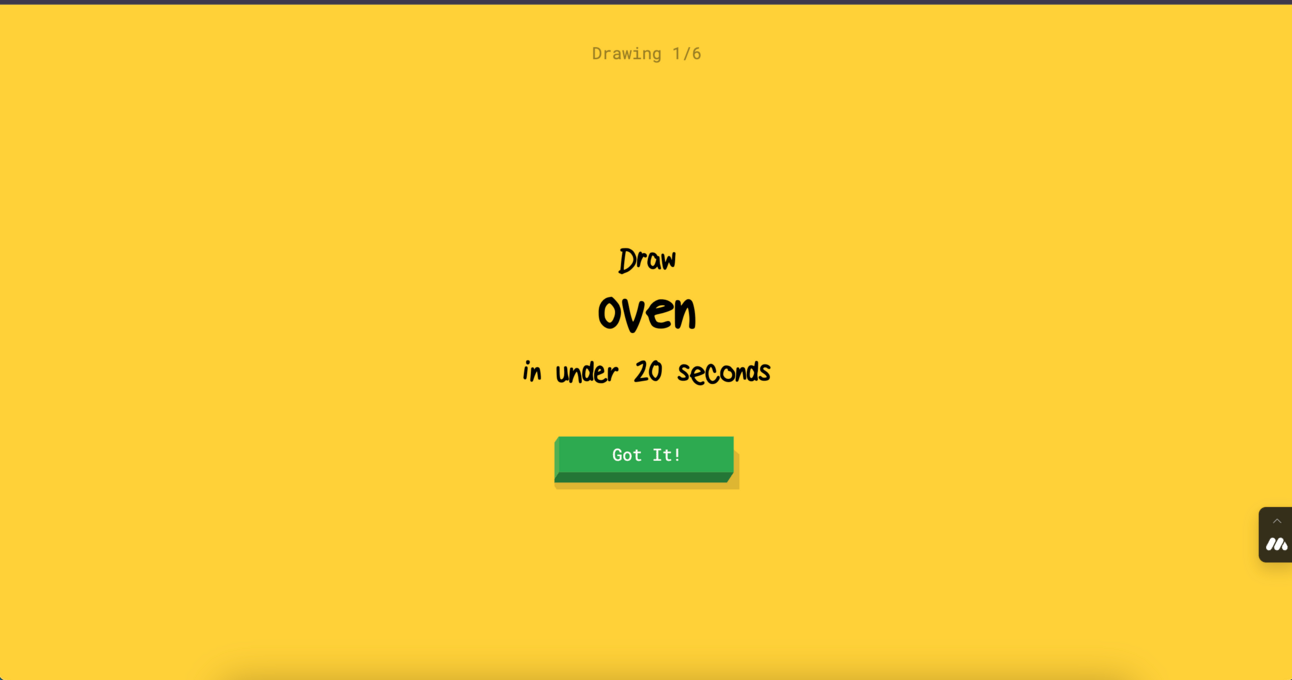
Hmm, oven…

I am obviously a talented artist…

actually my dragon does look a little mouse like…

What others think a dragon looks like...
Google seems to be using this game to train an AI model to recognize drawings, a great teaching moment about large language models (LLM) if you choose to take advantage of it.
Check it out first to see if your students are up to that level of drawing, it doesn’t take much ability actually, the AI is very good. It seems to run very well in the Koala Go Co-browser which is where I use it.
That brings us to Autodraw. This could be used with younger students not up to the task of drawing quickly. With Autodraw the student uses common drawing tools and starts to draw something on the page using the magic autodraw pencil, the AI will guess what it is and give a list of images at the top of the window so you can select one of those to replace your scribble with a well defined image.

Awesome tree?…

Yep, a tree…

Color filled…
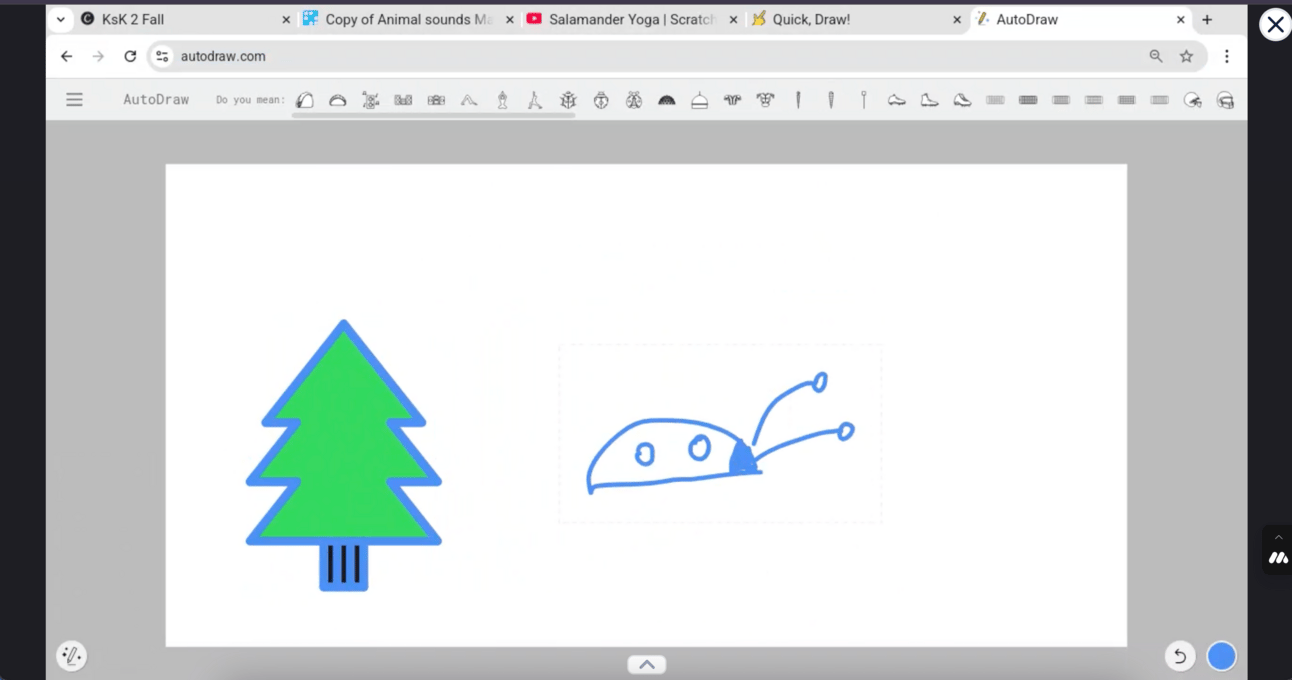
Next image
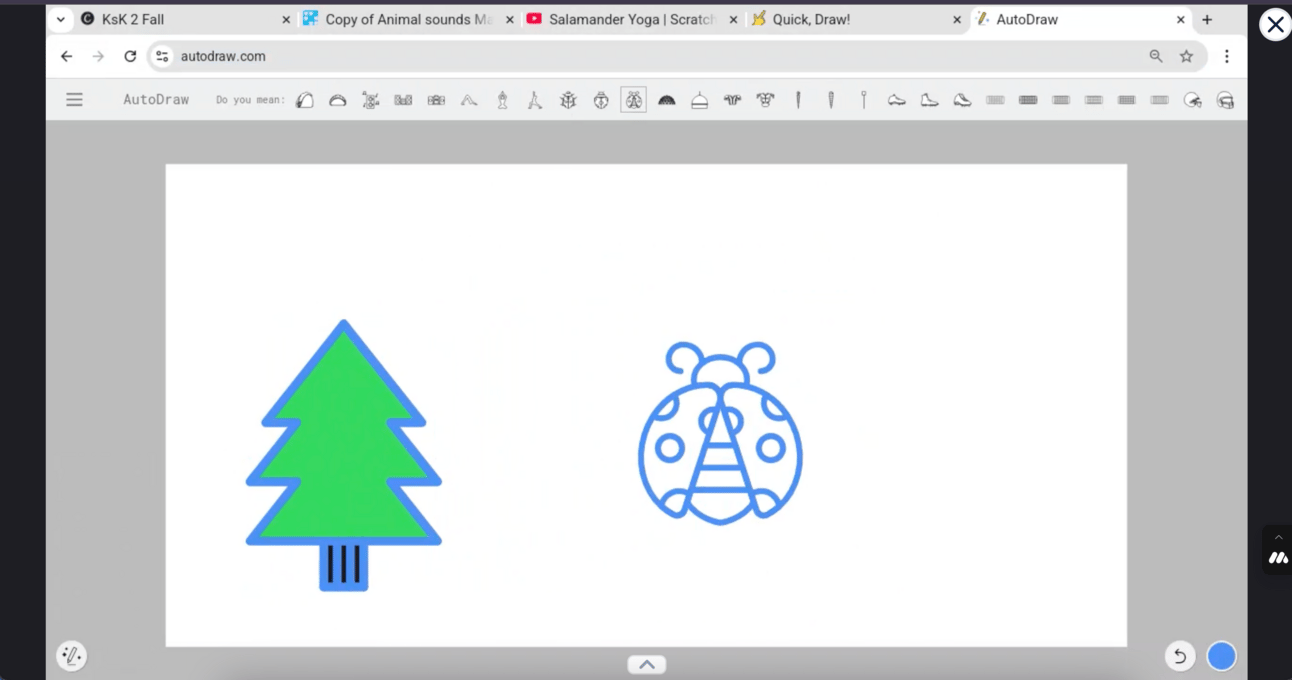
Lady bug…

After a couple minutes we have something more complete from my terrible drawing skills…
The rest of the basic drawing tools in Autodraw are what you would expect:
Shapes
Color Fill
Regular Pen
Undo
Delete
Zoom
Text
You can download the image as a png file, and there is even a list of shortcut keys for more advanced users.
The app is easy to use and not overwhelming. It’s has a nice clean interface that is well suited for making simple images in the Co-browser.
Reply